tutorial
GitHub Copilot CLI for Beginners: Overview of common slash commands
This tutorial helps developers quickly integrate AI into their terminal workflow, saving time on code explanation and bug fixing without leaving the command line.
What happened
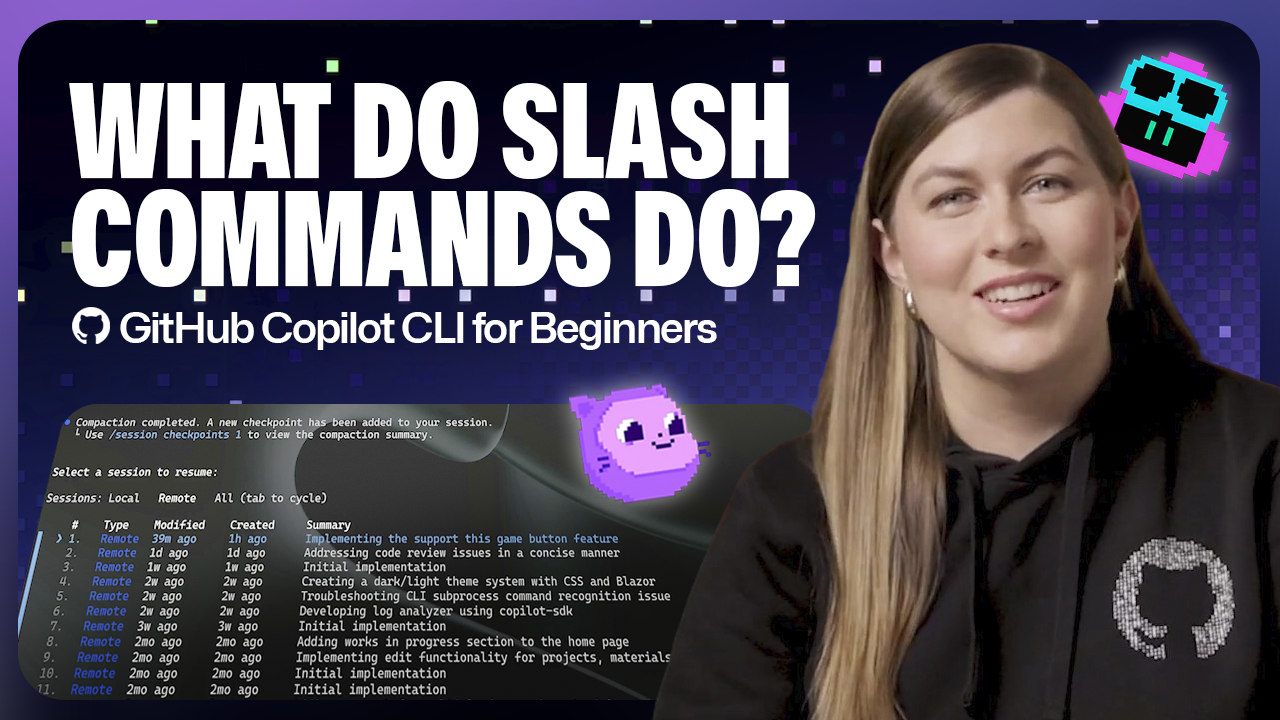
The GitHub Copilot CLI now supports slash commands, enabling developers to interact with the AI agent directly from the terminal. According to the GitHub Blog, these commands are designed for beginners and cover common tasks such as explaining code, suggesting fixes, and generating tests. The slash commands include /explain, /fix, /tests, /help, and /setup, among others. This update aims to reduce context switching by allowing developers to get AI assistance without leaving the command line. For developers building AI workflows, this feature integrates AI help into the terminal environment, streamlining the process of debugging and code understanding. The overview provides a practical starting point for those new to the Copilot CLI, emphasizing ease of use and immediate productivity gains.
Key takeaways
- GitHub Copilot CLI introduces slash commands for terminal AI interaction.
- Commands include /explain, /fix, /tests, /help, and /setup.
- Targeted at beginners to simplify common development tasks.
- Aims to reduce context switching by keeping developers in the terminal.
- Tutorial provides step-by-step guidance on using each command.
Why it matters
This tutorial helps developers quickly integrate AI into their terminal workflow, saving time on code explanation and bug fixing without leaving the command line.
This is an original editorial digest by AI Workflow Center. Full reporting at the source:
Read the original on GitHub BlogMore AI news
All news →

Run Your Own AI Directory